
Support Centre
Fix a problem
Five common problems, four steps each. Tick them off as you try them.
Most problems: unplug the modem for 30 seconds, plug it back in, wait two minutes.
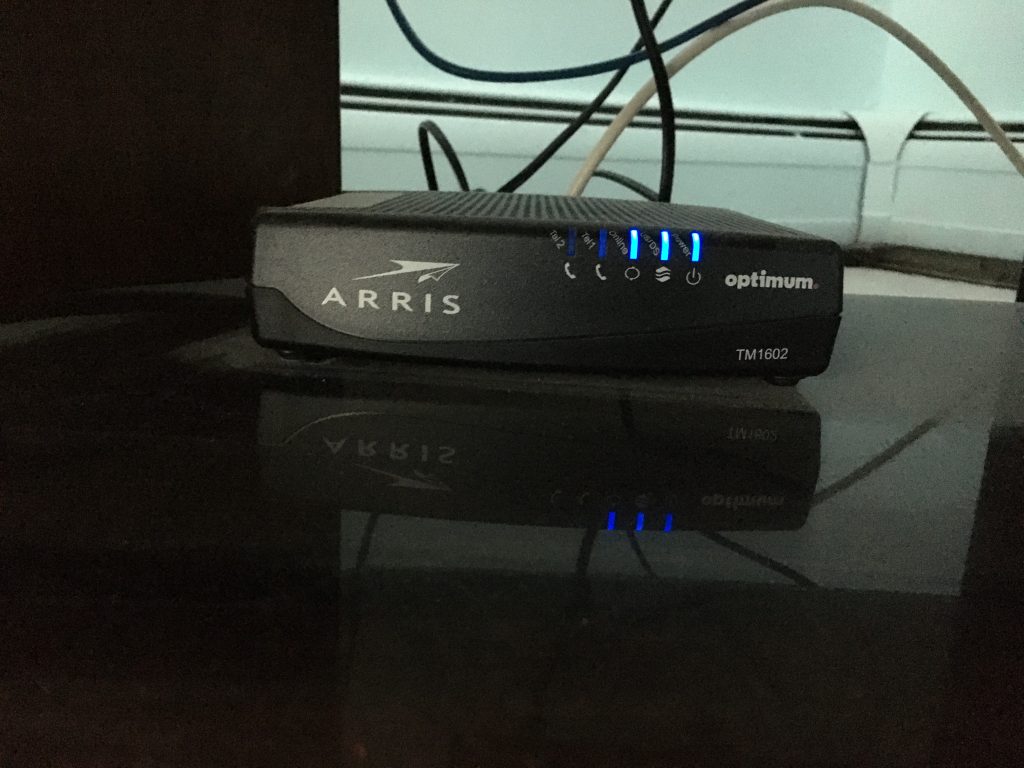
No internet
Lights, cables, then us.
0 of 4 done

- Restart the modem Unplug it, wait 30 seconds, plug it in. Give it two minutes.
- Check the cables Coax or ethernet firm at the modem and at the wall.
- Read the lights Power and internet should be solid. A blinking internet light is a line issue: call us.
- Try another device One device down, or all of them?
Still stuck? Call (888) 620‑1020.
Slow internet
Restart, then count the devices.
0 of 4 done
- Restart modem and router Unplug both for 30 seconds.
- Count the devices Streams and downloads share the line. Disconnect what is idle.
- Go wired A cable to the modem gives the full speed.
- Run a speed test speedtest.net. Share the numbers with us if it stays slow.
Still stuck? Call (888) 620‑1020.
Can’t connect to Wi‑Fi
The password is on the modem.
0 of 4 done

- Wi‑Fi on? Check the device’s settings and the network name.
- Check the password It is on the modem’s label. Case matters.
- Forget and reconnect Forget the network, then join it again.
- Restart the modem Unplug, 30 seconds, plug in.
Still stuck? Call (888) 620‑1020.
No dial tone
VoiceDirect® needs the internet first.
0 of 4 done
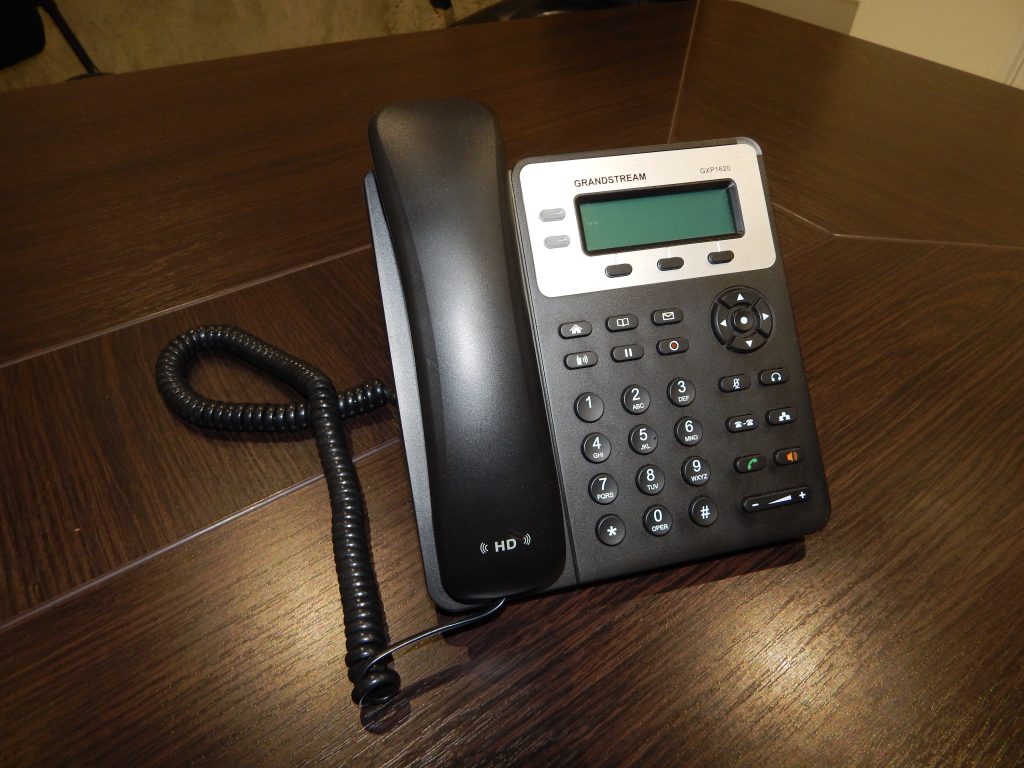
- Check the internet No internet, no phone.
- Check the adapter Powered, and cabled to the router.
- Restart the adapter Unplug, 30 seconds, plug in. Two minutes.
- Check the handset cable Firm in the adapter’s phone port.
Still stuck? Call (888) 620‑1020.
TV not loading
Streaming needs a steady connection.
0 of 4 done
- Check the internet Run a speed test.
- Restart the box Unplug, 30 seconds, plug in.
- Check the HDMI Firm at the box and at the TV.
- Go wired Ethernet to the router beats Wi‑Fi.
Still stuck? Call (888) 620‑1020.