
Internet
Up and running in minutes.
0 of 4 done
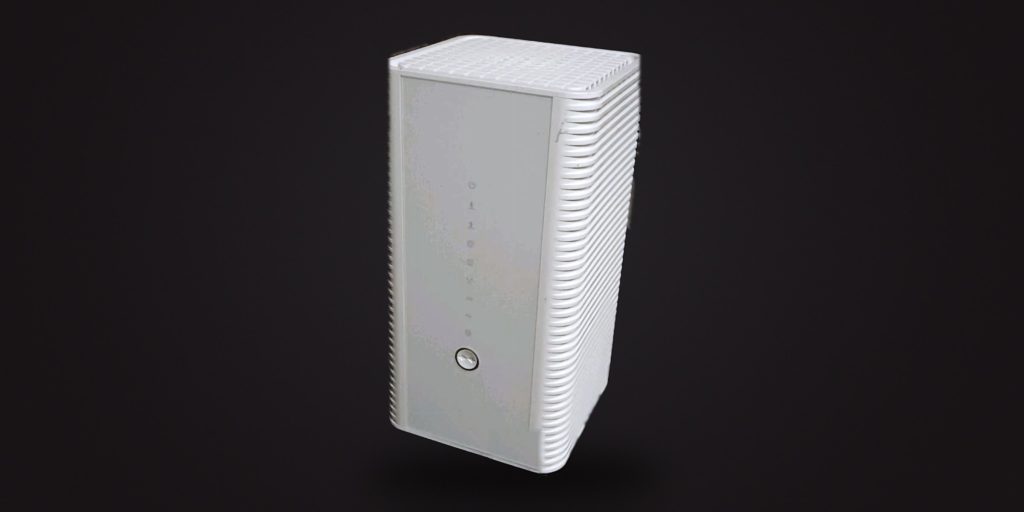
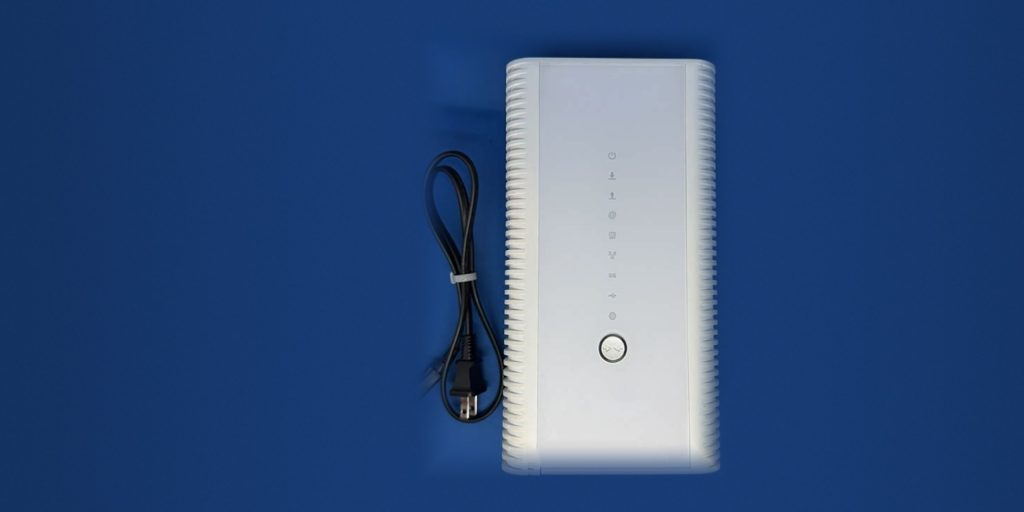
- Connect the modem Coax or ethernet in, then power.
- Wait for the lights Two to three minutes. Power and internet go solid.
- Connect your devices The Wi-Fi name and password are on the label, or use a cable.
- Test it Open a browser and visit any site.
Stuck? Fix a problem.
Phone
VoiceDirect® home phone, calling in minutes.
0 of 4 done
- Connect the adapter VoIP adapter into the router, with the cable provided.
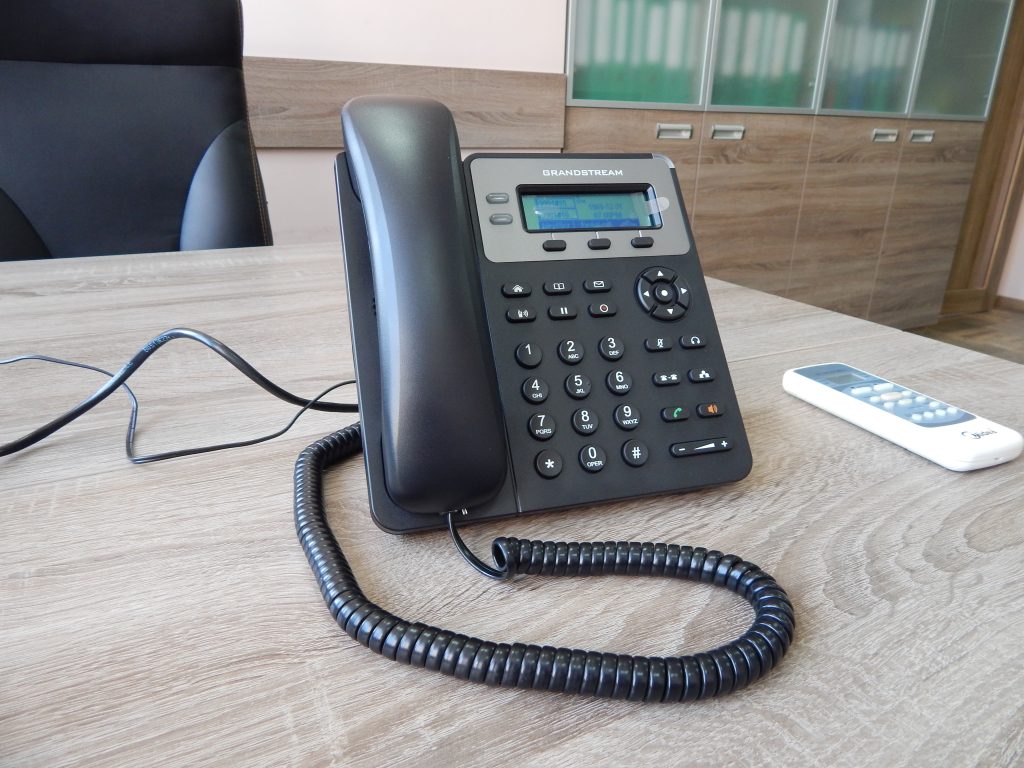
- Plug in the phone Into the phone port on the adapter.
- Wait for a dial tone One to two minutes while it registers.
- Make a test call Dial any number.
Stuck? Fix a problem.
TV
250+ channels in minutes.
0 of 4 done
- Connect the box HDMI to the TV, then power.
- Connect to your network Ethernet to the router, or Wi-Fi on screen.
- Switch input and activate Pick the HDMI input and follow the steps on screen.
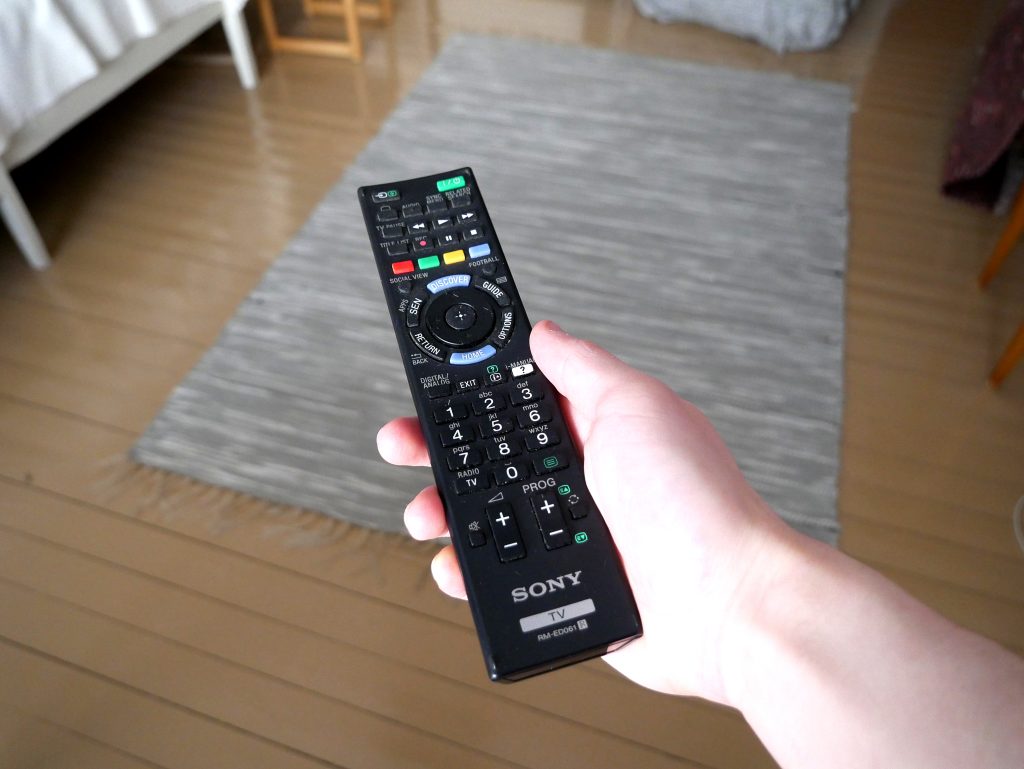
- Start watching Channels and on-demand are ready.
Stuck? Fix a problem.